You are here: Customizing and Extending Dragonfly > Developer Tools > Using Dragonfly Generators > Generating Menu Items
Generating Menu Items
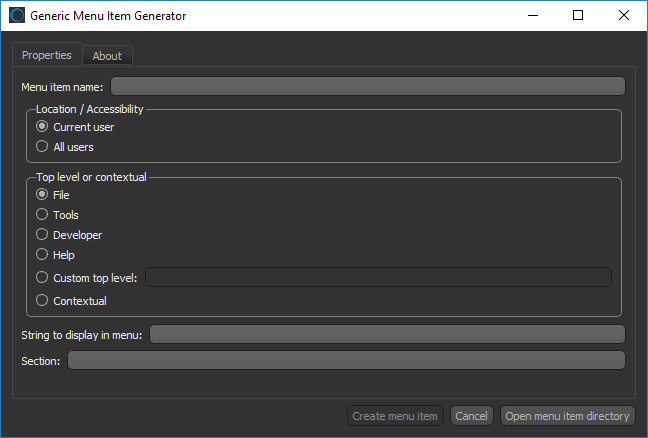
The Generic Action Generator, shown below, helps you to integrate new menu items for your image processing, visualization, and analysis workflows.
Choose Developer > Generic Menu Item Generator on the menu bar to open the dialog.
Generic Action Generator dialog
Refer to the developer documentation for more information about generating new menu items. Choose Help > Dragonfly Developer Documentation on the menu bar to access the developer documentation.

 LEARNING LINKS

